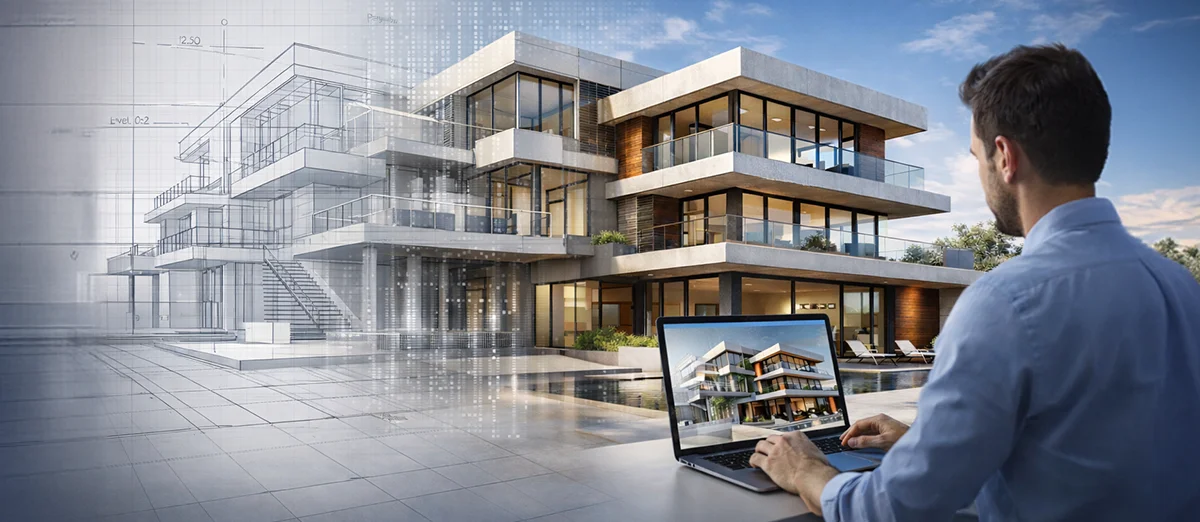
Here is the problem most projects quietly struggle with.
Great ideas do not usually fail in the design studio. They fail somewhere between the drawing set and the construction site. This is precisely why 3D Architectural Modeling is important. It provides team members with ways to digitally test, coordinate, and validate a structure before construction in the field. By doing so, 3D Architectural Modeling helps significantly reduce the risk of design degradation throughout the construction process.
A space that looked generous on plan feels tight once services go in. A façade detail that looked crisp in elevation loses its precision during coordination. A clean design concept slowly gets simplified, adjusted, and compromised until what is built is close, but not quite, to what was intended.
That drift is not dramatic. It is gradual. And expensive.
This is where 3D architectural modeling changes the story. It gives teams a shared, testable version of the building before concrete is poured or steel is erected. Instead of relying on interpretation, teams work from something they can see, measure, and coordinate against.
In today’s construction environment, that is not a luxury. It is risk control.
What Is 3D Architectural Modeling in Practical Terms?
At its core, 3D architectural modeling is the creation of a detailed digital version of a building’s architectural elements -walls, floors, roofs, façades, openings, interiors. All placed in real space, at real scale.
Unlike 2D drawings, which ask each stakeholder to mentally assemble the building from plans and sections, a 3D model shows how everything actually sits together. Spatial relationships are visible. Volumes are clear. Interfaces between systems are no longer theoretical.
On many projects, these models sit inside a broader 3D BIM Modelling workflow, where geometry is linked with material data, system information, and quantities. That turns the model into more than a visual tool. It becomes a working reference for design development, coordination, and construction planning.
In short, it shifts the conversation from “this should work” to “this does work.”
The Different Types of 3D Architectural Models You’ll See
Not every model serves the same purpose. And that is important.
Conceptual Models
Used early in 3d architectural design, these models help teams explore massing, orientation, and overall form. They answer big questions about how the building sits on the site and how the space might feel.
Detailed Design Models
Now things get precise. Dimensions tighten. Materials are defined. Architectural elements are developed in coordination with structural and MEP systems. This is where many hidden problems either surface early or slip through.
Construction-Level Models
These support fabrication, shop drawings, and field execution. Tolerances matter. Interfaces matter. At this stage, the model becomes central to 3D building modeling strategies that connect design with construction reality.
Together, these model stages create continuity from creative intent to buildable reality.
Why Design Intent Gets Lost in the First Place
Most project issues are not caused by bad design. They are caused by a design that was never fully understood before it reached the field.
2D Drawings Leave Room for Interpretation
Traditional CAD architectural design documentation depends heavily on how individuals read drawings. At complex junctions, two professionals can interpret the same detail differently. Both think they are right. The conflict shows up when work starts.
Spatial Understanding Is Hard in Flat Views
Vertical clearances, depth relationships, service zones. These are not always obvious in plans and sections. Teams fill in the gaps in their own heads.
Disciplines Work in Silos
Architectural, structural, and MEP teams often develop designs in parallel. Without coordinated modeling, clashes remain invisible until installation.
Clients Struggle to Visualize
Clients rarely think in sections and elevations. When they finally understand the space, it is often late in the process.
The Site Becomes the Testing Ground
Unresolved questions turn into RFIs, field changes, and rework. A coordinated model pulls that testing forward into the digital stage.
How 3D Architectural Modeling Actually Protects Design Intent
Design intent does not disappear all at once. It erodes step by step as drawings get interpreted and adjusted. A model shows that erosion.

Space Gets Tested, Not Assumed
Designers can walk the space virtually before it exists. They see proportions, circulation paths, and tight corners that may not be obvious in drawings.
Scale Stops Lying
In 2D, scale can be deceptive. In a model, every element sits at its true size. Columns, ceiling drops, façade depths. Small mismatches caught early avoid on-site corrections.
Materials and Light Become Real Decisions
Through 3D Architectural Visualization, teams can evaluate how materials meet, how light interacts with surfaces, and how depth shapes the space. Subtle design intent often lives in these transitions.
Details Stay Visible During Trade-Offs
When teams understand what a detail is achieving, they are less likely to simplify something important during cost or coordination discussions.
Changes Stay Consistent
In model-based workflows, updates flow through plans, sections, and views together. Fewer contradictions. Fewer coordination surprises.
There’s research behind this, too. A 2024 peer-reviewed analysis found that coordinated BIM workflows can reduce rework costs by up to 49%. That’s not marginal gain. That’s the difference between a project that absorbs surprises and one that’s defined by them. When coordination issues are solved digitally, design intent has a much better chance of surviving the journey to the site.
How Modeling Improves Communication Across Teams
Modeling changes in conversations. Instead of debating what a drawing means, teams look at the same digital building. Architects, engineers, contractors, and clients reference the same geometry.
Interactive walkthroughs supported by 3D Architectural Visualization also help non-technical stakeholders understand the space. Approvals move faster. Feedback comes earlier.
When everyone is looking at the same model, alignment improves.
Clash Detection and MEP Coordination
When architectural, structural, and MEP systems are integrated into a coordinated 3D BIM Modelling environment, software can identify conflicts before installation.
Hard clashes involve physical intersections. Soft clashes involve issues with clearance and access.
Catching these digitally avoids site rework and delays. It is one of the most direct ways to protect the project margin.
Modeling and Constructability
A well-developed model converts design intent into buildable geometry. It supports accurate dimensions, detailing, and shop drawing workflows. If something cannot be built as modeled, that insight is valuable early.
Accurate 3D building modeling also helps align digital design with field realities, reducing the gap between drawings and what crews actually build.
Helping Clients Truly Understand the Design
Walkthroughs and visual outputs help clients understand space, scale, and flow in ways plans rarely achieve. A clearer understanding leads to faster decisions and fewer late-stage changes, especially during complex 3D architectural design development.
Cost and Schedule Predictability
When models are linked with quantities and planning data, teams can test scenarios and improve estimation confidence. This reduces rework, improves scheduling, and supports better budget control.
How Modeling Supports Construction
The model supports site coordination, sequencing discussions, as-built updates, and facility management data. In tight environments, sequencing simulations help avoid trade conflicts before crews are in each other’s way.
What Happens When Projects Rely Only on 2D
Choosing not to use coordinated modeling shifts problem-solving to the site. That often means more RFIs, field changes, and budget stress. The absence of coordinated models increases risk at every stage.
Why This Matters for Modern Projects
3D architectural modeling is not just a design enhancement. It aligns vision, coordination, and construction. It improves communication, supports clash detection, strengthens constructability, and helps stakeholders understand what is being built.
Once construction begins, the cost of ambiguity rises quickly. A coordinated model keeps the project closer to its original intent.
You see this in complex projects globally. PANOVA, for example, used model-based mockups early to validate dimensions before fabrication began, catching issues that would have been expensive to resolve on-site. The Nanjing Cultural Centre relied heavily on coordinated Revit models to manage its complex construction interfaces and ensure execution matched the architectural vision.
Need Expert Support in 3D Architectural Modeling?
When your project requires precise coordination, accurate modelling, and seamless handoff between design and construction, you need to be able to count on a company that specializes in providing this type of service.
At IndiaCADworks, we help architects, engineers, and contractors produce highly detailed models designed to aid coordination, understanding, and implementation of their projects with a high level of detail and accuracy.
If your project demands tight coordination, clear visualization, and a smooth transition from design to construction, specialized modeling support can make a real difference. Our 3D Architectural Modeling Services are built specifically to help design and construction teams reduce coordination risk and protect design intent before work reaches the field.
FAQ’s
2. How does 3D architectural modeling reduce errors during construction?
By bringing architectural, structural, and MEP systems into one coordinated environment, teams can identify clashes and design conflicts early. This prevents issues like ducts hitting beams or insufficient equipment clearance. The result is fewer RFIs, less on-site rework, and more predictable schedules.
3. How does 3D architectural modeling help preserve design intent?
Design intent often gets diluted as drawings move from design to execution. A 3D model makes it easier for everyone involved to understand space, scale, materials, and detailing. When contractors and engineers clearly see the design, what gets built is much closer to what was originally envisioned.
4. Is 3D architectural modeling only useful during the design phase?
No. While it is critical during design, modeling also supports construction sequencing, site coordination, shop drawing development, and as-built documentation. It continues adding value throughout the project lifecycle and can also support facility management later.
5. How does 3D architectural modeling improve client approvals?
Clients often struggle to interpret 2D plans. With walkthroughs and visual outputs, they can more easily understand space, layout, and flow. That clarity leads to faster decisions and fewer late-stage design changes.
6. What is the difference between 3D architectural modeling and BIM?
3D architectural modeling focuses on the geometric representation of architectural components. BIM builds on that by embedding data such as materials, quantities, system information, and lifecycle details into the model. In many projects, 3D models are developed within a BIM workflow to support both visualization and project data management.